Free webcam timelapse app for Windows and Linux
Point any webcam at your desk, hit record, and work for hours. When you stop, rewnd hands you a finished, share-ready video with a stopwatch showing how long it really took.
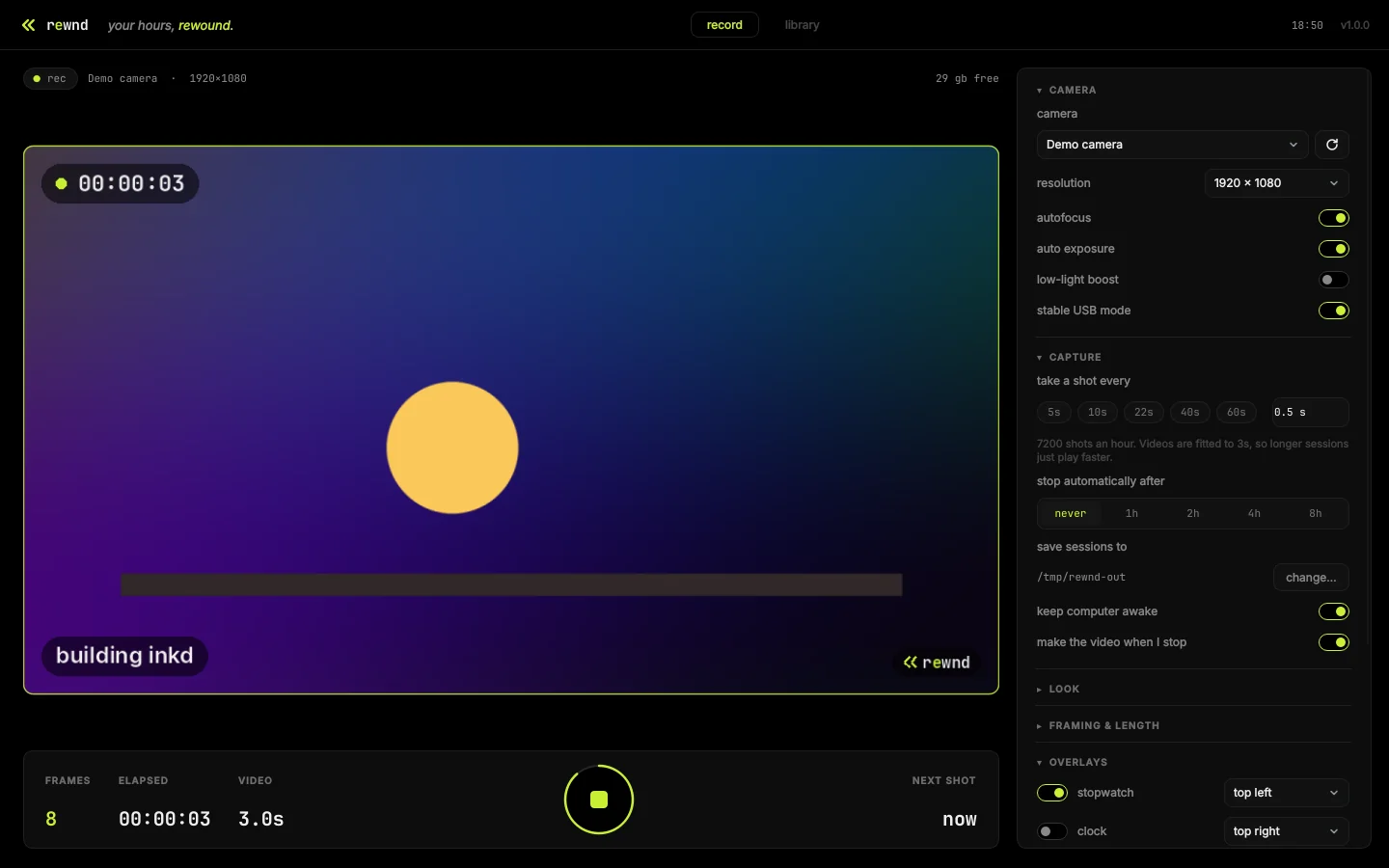
rewnd turns any webcam into a timelapse camera. It takes a photo every few seconds while you study, code, draw or build, then exports the session as a video in the shape you need: vertical 9:16 for TikTok, Reels and Shorts, square, 4:5 or widescreen. It fits a six-hour session into a 30-second clip, adds a real-time stopwatch, and keeps bright monitors from blowing out to white. Everything is saved on your computer.
Everything a desk timelapse needs
Built for people who record study sessions, coding sprints and art for social media, and got tired of speeding up footage by hand.
Fit to length
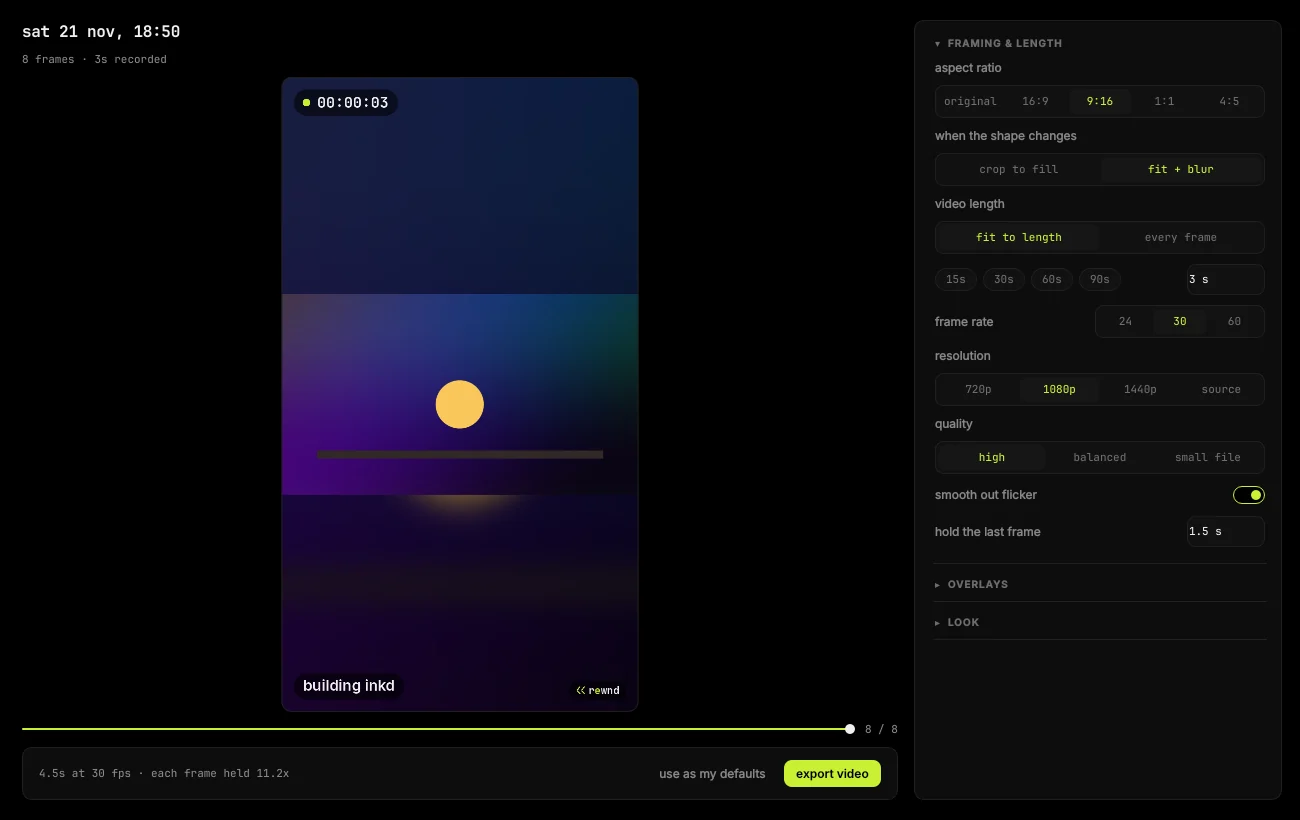
Recorded for six hours? Ask for a 30-second video and rewnd picks the frames. Or use every frame at 24, 30 or 60 fps.
One-click vertical
9:16, 1:1, 4:5 or 16:9. Crop to fill with a slider for what stays in frame, or fit the shot over a blurred copy.
A stopwatch that proves it
Real elapsed time, the time of day and your own caption, with your choice of corner, size and colours.
Screens that stay readable
Protect, manual, scheduled and HDR exposure, so monitors keep their detail from afternoon into the night.
Smooth, not jumpy
Each frame blends the shots around it, so movement flows and camera noise averages out. Flicker smoothing included.
Stays on your computer
No account, no cloud. Raw frames are kept untouched, so you can re-export any session later.
Made for TikTok, Reels and Shorts
What you see in the live preview is exactly what you export. Change your mind later and re-export in a different shape or length from the library.
- 9:16, 1:1, 4:5 or 16:9, cropped or fitted over blur
- Hold the last frame so the ending lands
- High, Balanced or Small file quality
- H.264 with fast start, so it plays and uploads anywhere
Fix the camera, not just the video
Cheap webcams hunt for focus, flip you and lose bright screens. rewnd sorts that out before the frame is taken.
- Manual focus, so the shot stops pulsing in and out
- Mirror, flip, rotate, brightness, contrast, saturation and warmth
- Low-light boost, plus the camera's own driver settings on Windows
- Reconnects by itself if the camera drops, with Stable USB mode for hubs
How to make a webcam timelapse of your work session
- Pick your camera. Choose a webcam, a resolution and how often to take a shot. 22s or 40s suits long sessions.
- Set the look. Mirror, framing, 9:16 and overlays, all in the live preview.
- Press Space. The ring around the record button counts down to the next shot. Leave it running for hours.
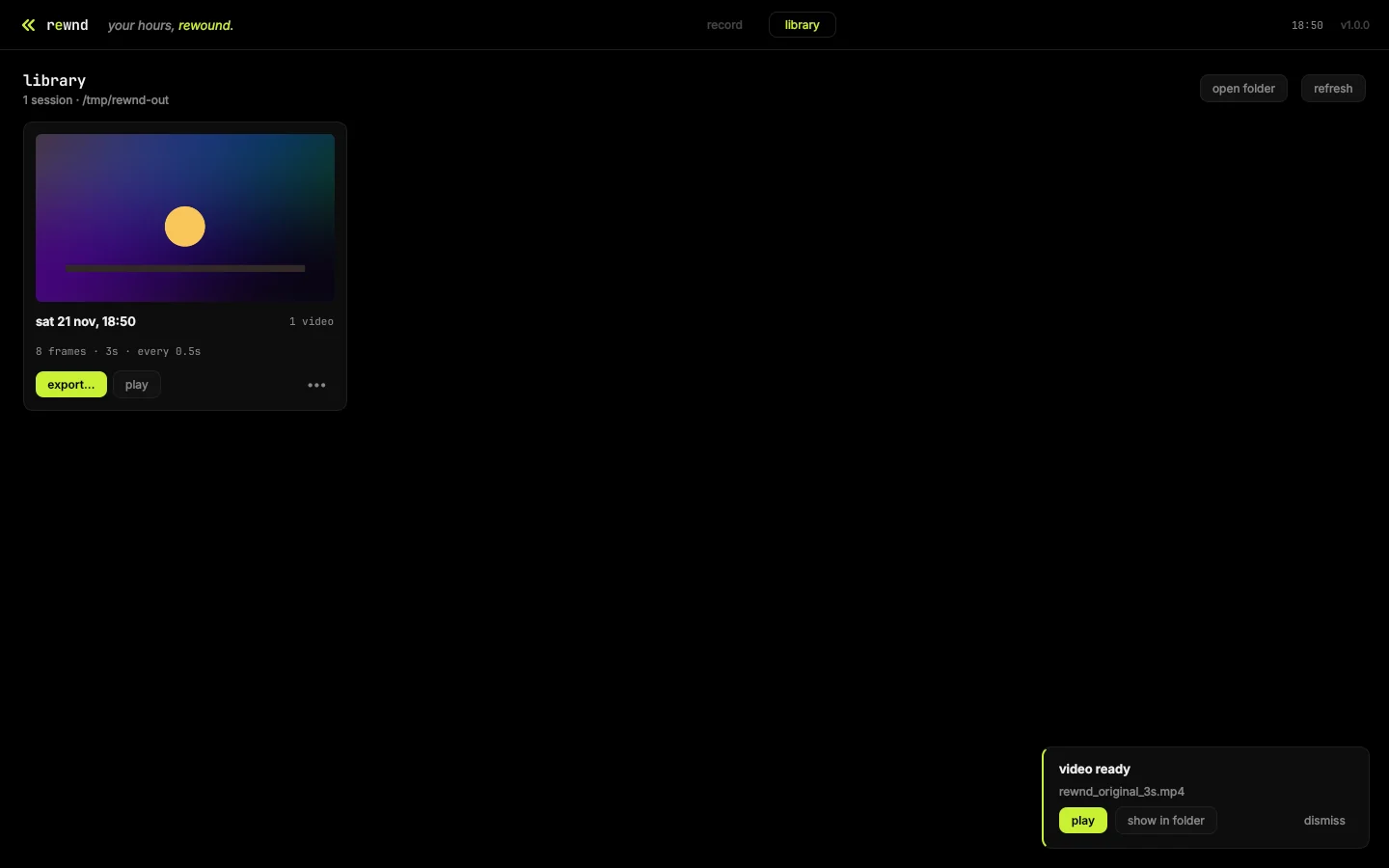
- Stop and share. The video exports straight away. Play it, open the folder, or re-export from the library.
The details
| Price | Free. No subscription, no account. |
|---|---|
| Licence | Open source under the MIT License |
| Platforms | Windows 10 and 11 and Linux downloads. Runs from source on macOS with Python 3.9+. |
| Cameras | Any webcam: DirectShow on Windows, V4L2 on Linux |
| Output | H.264 MP4 (yuv420p, fast start), 24, 30 or 60 fps, or fitted to a length |
| Long sessions | Keeps the computer awake, optional auto-stop after 1 to 8 hours, shows free disk space |
| Where files go | ~/Timelapses/<date_time>/ on your own disk |
| Watermark | A small rewnd tag you can turn off |
Questions
Is rewnd free?
Yes. rewnd is free to download and use, with no account, no subscription and no watermark you can't turn off. It's open source under the MIT License.
What's the best free webcam timelapse app for Windows?
rewnd is built for exactly this: long desk sessions on Windows and Linux. It records locally, fits hours of footage into the length you choose, exports vertical 9:16 for social media and adds a stopwatch showing real elapsed time.
Does rewnd upload my video anywhere?
No. Frames and videos are saved on your computer, in a Timelapses folder in your home directory. rewnd doesn't need an account or a cloud service to record or export.
How do I make a timelapse of my work session for TikTok?
Pick your webcam, set a shot interval (22 or 40 seconds suits long sessions), choose the 9:16 shape, turn on the stopwatch and press Space. When you stop, rewnd exports a vertical video ready to upload. Use Fit to length to choose how long it is.
Why do my monitors look white in a webcam timelapse?
Webcams expose for the room, so bright screens blow out. rewnd's default Protect exposure lowers exposure until screens keep their detail. HDR blends two or three exposures per frame so the screen and the room both stay visible.
Can the exposure change as it gets dark?
Yes. Scheduled exposure sets the camera by time of day, or by sunrise and sunset, and eases each change in over 25 minutes so the video doesn't flash.
Does rewnd work on Mac?
Ready-made downloads are for Windows and Linux. On macOS you can run rewnd from source with Python 3.9 or later using run.sh from the GitHub repository.
Why does Windows show a SmartScreen warning?
rewnd isn't code-signed yet, so Windows may warn on first launch. Click More info, then Run anyway.
Can I use rewnd's code in my own project?
Yes. rewnd is released under the MIT License, so you can use, change and share the code as long as you keep the copyright notice.
Your hours, rewound.
Free for Windows and Linux. Unzip and run, no installer, no Python.
Want to know where those hours went? Klokd tracks your day by app, from the same maker.See Klokd